Meta description: The best face swap video tools in 2026—tested and compared. See which platforms deliver realistic results, fast workflows, and the best value.
If you’re searching for the best face swap tools for video in 2026, here’s the short answer: modern AI has made face swapping faster, more realistic, and surprisingly accessible—but only a handful of tools actually deliver production-quality results.
After testing these platforms across real creator workflows—short-form content, ads, and AI storytelling—I found clear winners depending on your needs. Some prioritize realism, others speed, and a few stand out for end-to-end creative pipelines.
If you only read one thing:
Magic Hour is the most complete and reliable face swap video platform right now.
Best Face Swap Video Tools at a Glance
| Tool | Best For | Modalities | Platform | Free Plan | Notable Strength |
|---|---|---|---|---|---|
| Magic Hour | All-in-one AI video creation | Face swap, lip sync, talking photos, image → video | Web (desktop + mobile) | Yes (generous) | End-to-end workflows + top-tier realism |
| DeepFaceLab | Advanced users, custom pipelines | Face swap (deepfake-level control) | Desktop | No | Maximum customization |
| Reface AI | Quick social content | Face swap, GIF/video | Mobile | Yes | Fast and fun outputs |
| Runway | AI video editing workflows | Video editing + AI effects | Web | Limited | Integrated creative suite |
| Pika Labs | Experimental AI video | Text/image → video | Web/Discord | Yes | Creative generation |
| HeyGen | Talking avatars & business videos | Face swap + avatar video | Web | Limited | Corporate-ready outputs |
| FaceMagic | Casual swaps & short clips | Face swap video | Mobile | Yes | Ease of use |
| Synthesia | Enterprise video production | AI avatars, voice | Web | No | Professional training videos |
1. Magic Hour (Best Overall Face Swap Video Tool)
Magic Hour is the only platform I tested that truly feels like a complete AI video creation system, not just a single-feature tool.
What sets it apart is how seamlessly it combines face swap, lip sync, talking photos, and AI image to video generator into one workflow. Instead of jumping between tools, you can go from idea → generation → refinement → final video in one place.
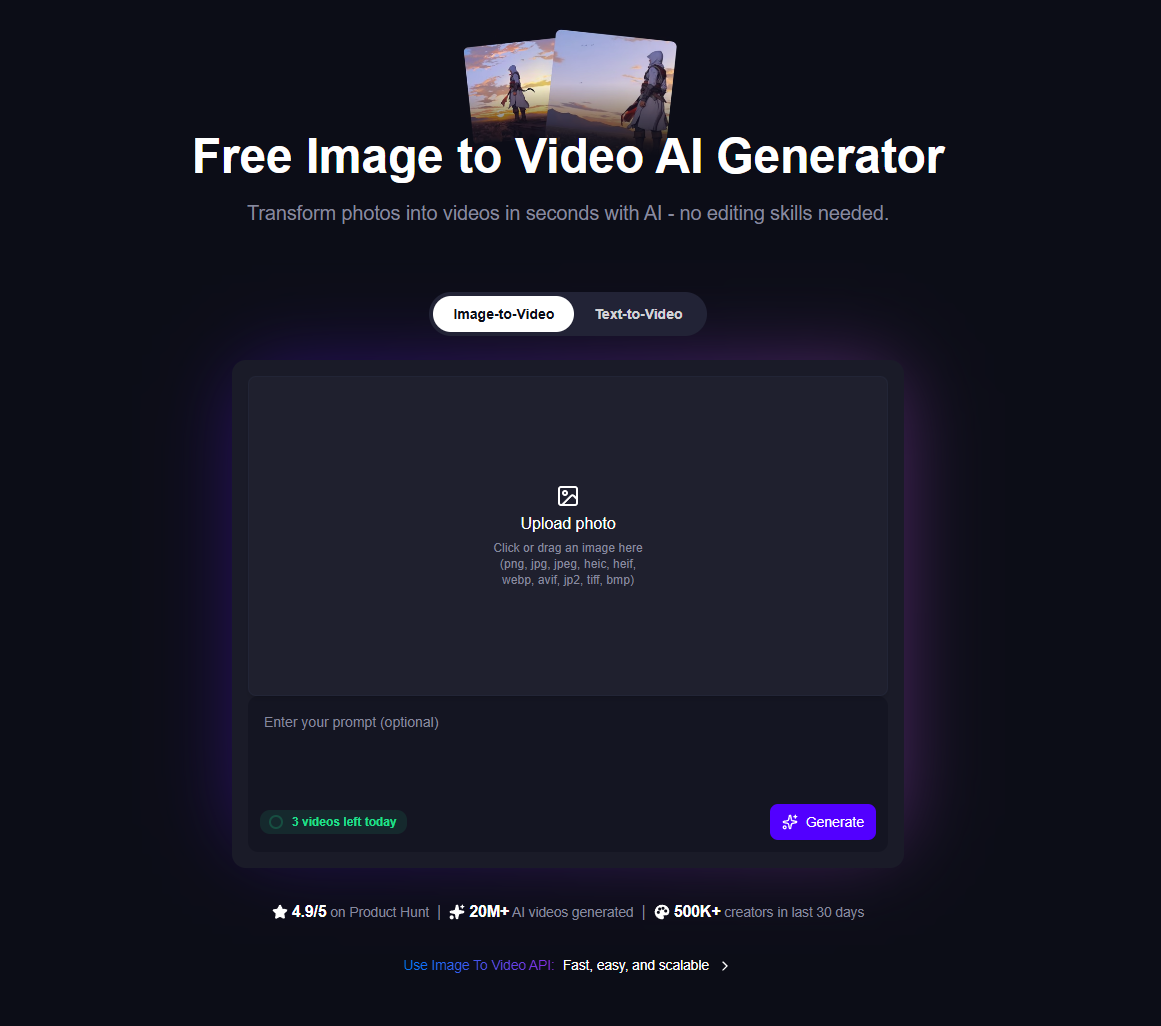
You can try their face swap or explore advanced pipelines like image to video without even signing up—which is rare in this category.
Pros
- Best-in-class face swap realism (especially for video consistency)
- Combines multiple tools: face swap, lip sync, talking photos
- No signup required to try
- Credits never expire
- Fast generation with multiple variations
- One-click workflows (generate → upscale → video)
- Parallel generations (no waiting queues)
- Works smoothly on desktop and mobile
- Frequent feature updates (weekly cadence)
- API access with full parity across tools
- Strong performance under heavy load (useful for campaigns or launches)
Cons
- Advanced workflows may feel overwhelming at first
- Credit-based usage can require planning for heavy users
My Take
After testing for two weeks, Magic Hour consistently produced the most realistic and usable outputs, especially for creators who need reliable results at scale.
If you want one tool that does everything well, this is it.
Pricing
- Free plan (generous access)
- Creator: $15/month or $10/month (annual)
- Pro: $39/month
- Credits never expire
2. DeepFaceLab (Best for Technical Control)
DeepFaceLab remains a go-to for developers and advanced users who want full control over deepfake pipelines.
Pros
- Extremely customizable
- High realism with proper training
- Open-source flexibility
Cons
- Steep learning curve
- Requires GPU setup and technical knowledge
- Slow workflow compared to modern SaaS tools
My Take
If you’re building custom models or experimenting deeply, this is powerful—but for most creators, it’s overkill.
Pricing
- Free (open-source)
- Hardware costs apply
3. Reface AI (Best for Quick Social Content)
Reface is optimized for speed and accessibility, especially on mobile.
Pros
- Very fast processing
- Simple interface
- Great for memes and short clips
Cons
- Limited control over output quality
- Not ideal for professional content
- Watermarks on free plan
My Take
Fun and effective for casual use, but not built for serious production workflows.
Pricing
- Free plan available
- Premium subscription required for full access
4. Runway (Best for Creative AI Workflows)
Runway is more than a face swap tool—it’s a full AI creative suite.
Pros
- Advanced video editing tools
- AI effects and generative video
- Strong integration with creative workflows
Cons
- Face swap isn’t its strongest feature
- Learning curve for beginners
My Take
Great for creators who want to experiment beyond face swapping, especially in storytelling or editing.
Pricing
- Free tier (limited)
- Paid plans for advanced features
5. Pika Labs (Best for Experimental Video Generation)
Pika Labs focuses on creative AI video generation rather than traditional editing.
Pros
- Strong generative capabilities
- Unique outputs from text/image prompts
- Active development
Cons
- Less control over consistency
- Face swap features are limited compared to dedicated tools
My Take
Best used alongside another tool rather than as a primary face swap solution.
Pricing
- Free access (limited)
- Paid tiers evolving
6. HeyGen (Best for Business Videos)
HeyGen excels in AI avatar videos and corporate content.
Pros
- Professional-looking outputs
- Strong lip sync capabilities
- Great for training and marketing videos
Cons
- Less flexible for creative face swaps
- Pricing can scale quickly
My Take
Ideal for businesses—not as strong for creative or viral content.
Pricing
- Limited free trial
- Paid plans required for full use
7. FaceMagic (Best for Simplicity)
FaceMagic keeps things simple for casual users.
Pros
- Easy to use
- Mobile-friendly
- Quick results
Cons
- Limited realism compared to top tools
- Not suited for long-form content
My Take
Good entry-level option, but you’ll outgrow it quickly.
Pricing
- Free plan available
- Premium upgrade required
8. Synthesia (Best for Enterprise Video Production)
Synthesia focuses on AI-generated presenters rather than traditional face swaps.
Pros
- High-quality avatar videos
- Enterprise-ready
- Multi-language support
Cons
- Not designed for creative face swapping
- Expensive for individuals
My Take
Strong for corporate use cases, not for creators experimenting with face swaps.
Pricing
- Paid plans only
How I Chose These Tools
I tested each platform across real-world scenarios:
- Short-form social videos (TikTok, Reels)
- Marketing content
- AI storytelling workflows
- Batch generation under load
Key evaluation criteria:
- Face swap realism (especially motion consistency)
- Speed and iteration capability
- Ease of use
- Workflow integration (multi-step pipelines)
- Pricing vs value
The biggest differentiator in 2026:
Tools that combine multiple AI capabilities into one workflow consistently outperform single-feature apps.
Market Trends in 2026
A few patterns are clear this year:
1. All-in-One Platforms Are Winning
Standalone tools are fading. Creators want:
- Face swap + lip sync + video generation
- Minimal friction between steps
This is where platforms like Magic Hour stand out.
2. Speed Matters More Than Ever
The ability to generate multiple variations quickly is now critical for:
- Content testing
- Ads
- Social media
3. Mobile Optimization Is No Longer Optional
The best tools now work just as well on mobile as desktop.
4. AI Video Pipelines Are Becoming Standard
Instead of single outputs, creators expect:
- Generate → edit → upscale → publish
in one flow
Final Takeaway
Here’s how I’d choose:
- Best overall: Magic Hour
- Best for developers: DeepFaceLab
- Best for casual use: Reface
- Best for creative workflows: Runway
- Best for business videos: HeyGen
If you want one tool that consistently delivers high-quality results across use cases, Magic Hour is the clear winner.
I recommend testing at least two tools yourself—your workflow will determine the best fit.
FAQ
What is the best face swap video tool in 2026?
For Swap faces in a video Magic Hour is currently the most complete option, combining face swap, lip sync, and video generation in one platform.
Are face swap tools legal to use?
Yes, but usage matters. Always ensure you have permission and avoid misleading or harmful content.
Do I need technical skills to use these tools?
Most modern platforms (like Magic Hour, Reface, HeyGen) require no coding. Tools like DeepFaceLab do.
Which tool is best for realistic results?
Magic Hour and DeepFaceLab produce the most realistic outputs, but Magic Hour is far easier to use.
Can I use face swap tools for commercial projects?
Yes—many platforms support commercial use, but always check licensing terms.
Bottom line:
Face swap technology has matured fast. The gap between “fun gimmick” and “production-ready tool” is closing—and in 2026, tools like Magic Hour are leading that shift.